Heart rate
Camera-based pulse and HRV checks.
 Pulseoraby Tsinginc
Tsinginc
Heart & wellness companion
Pulseoraby Tsinginc
Tsinginc
Heart & wellness companion
Measure your pulse with your iPhone camera, manually log blood pressure, blood sugar, blood oxygen and weight, and understand your wellness trends without the clutter.
Place your fingertip on the camera and Pulseora estimates your pulse with PPG optical scanning — the same general principle used by many wearables. Then manually log readings from your own devices to review your wellness picture in clear, color-coded charts.
Camera-based pulse and HRV checks.
A consistent manual diary.
Manual readings and clear histories.
Stress, energy, steps and tests.
Capture a pulse reading, add context and review the trend. Pulseora keeps each workflow focused.
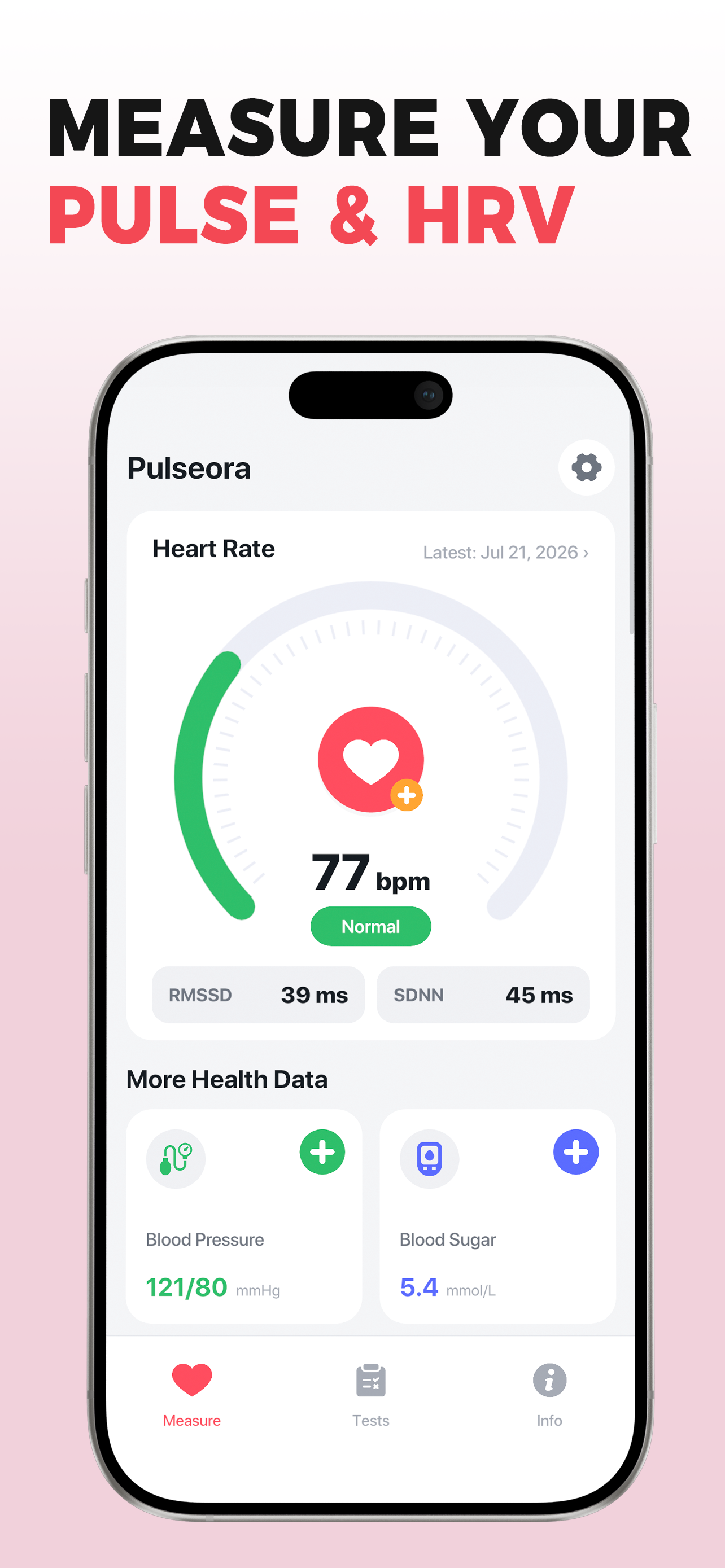
Estimate your pulse with your iPhone camera — no watch or extra sensor required for the camera check.
View RMSSD and SDNN alongside simple wellness estimates that can help you notice personal patterns.
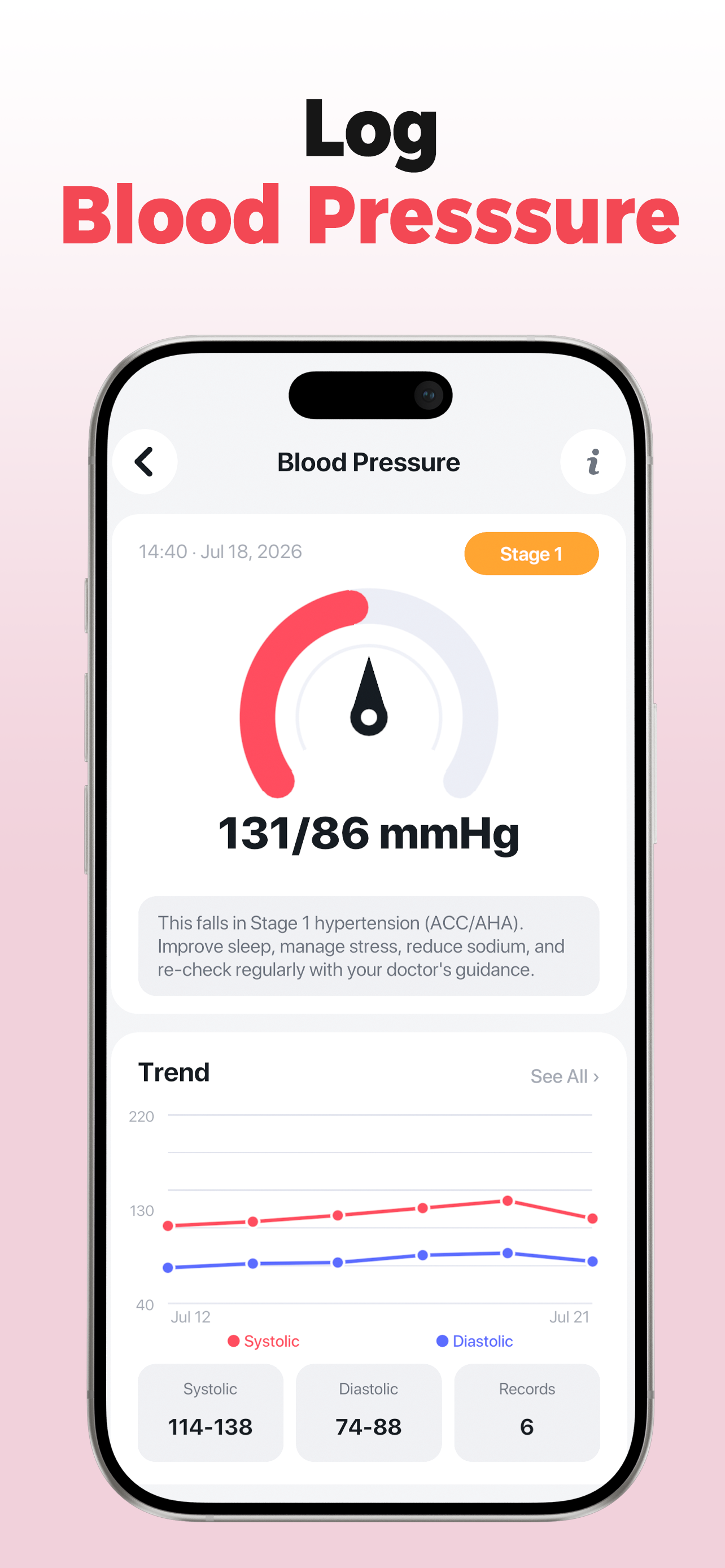
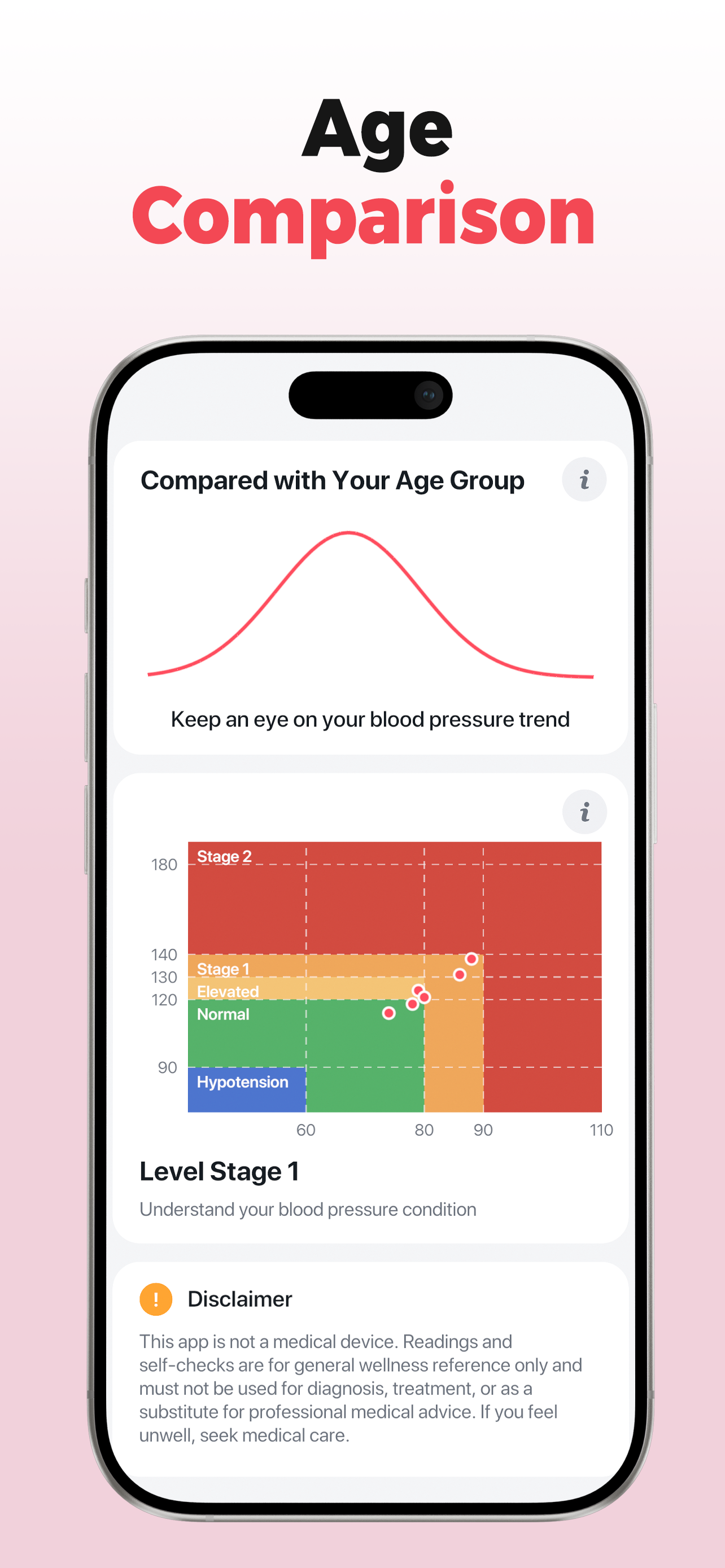
Manually log systolic and diastolic readings from a cuff and follow trends in clear color zones.
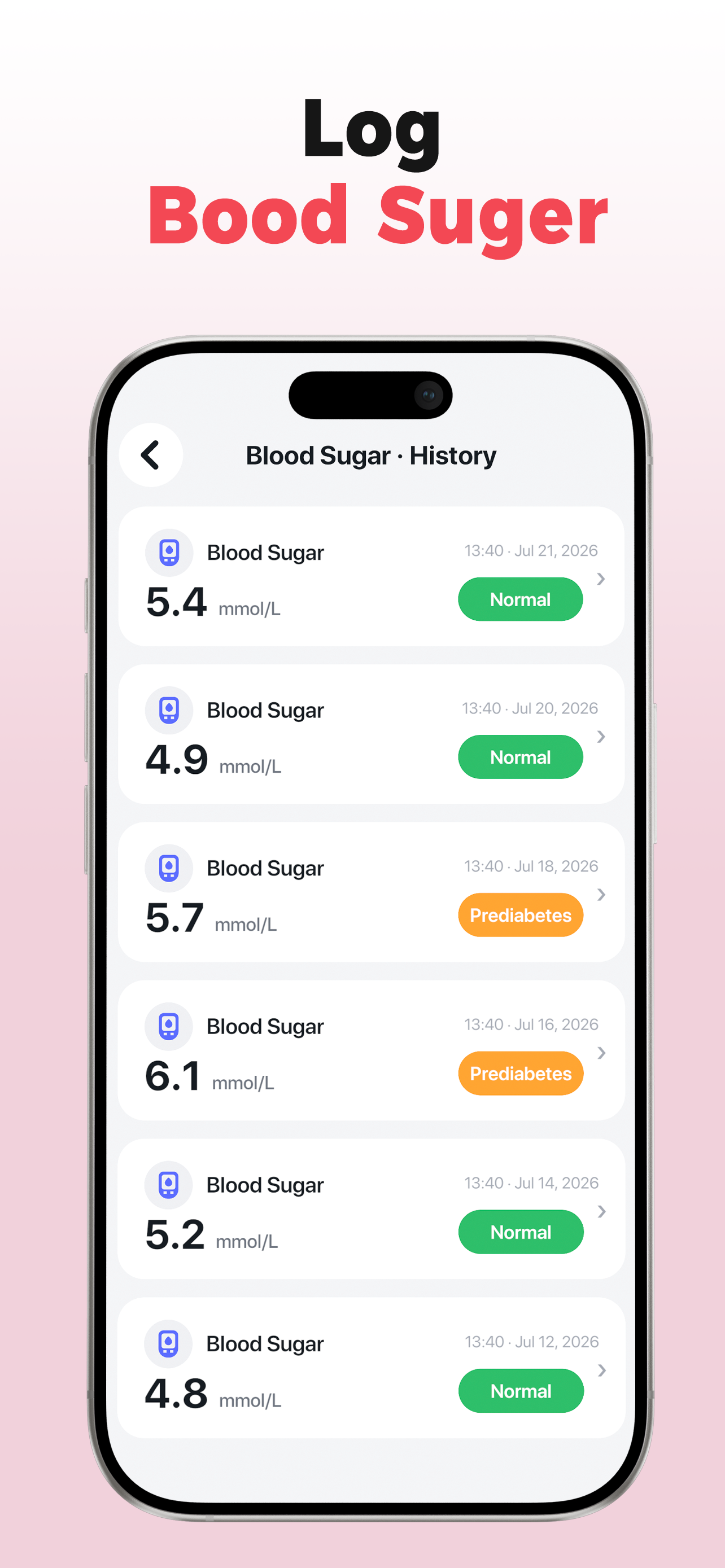
Manually record readings from external devices and review changes in clean trend charts.
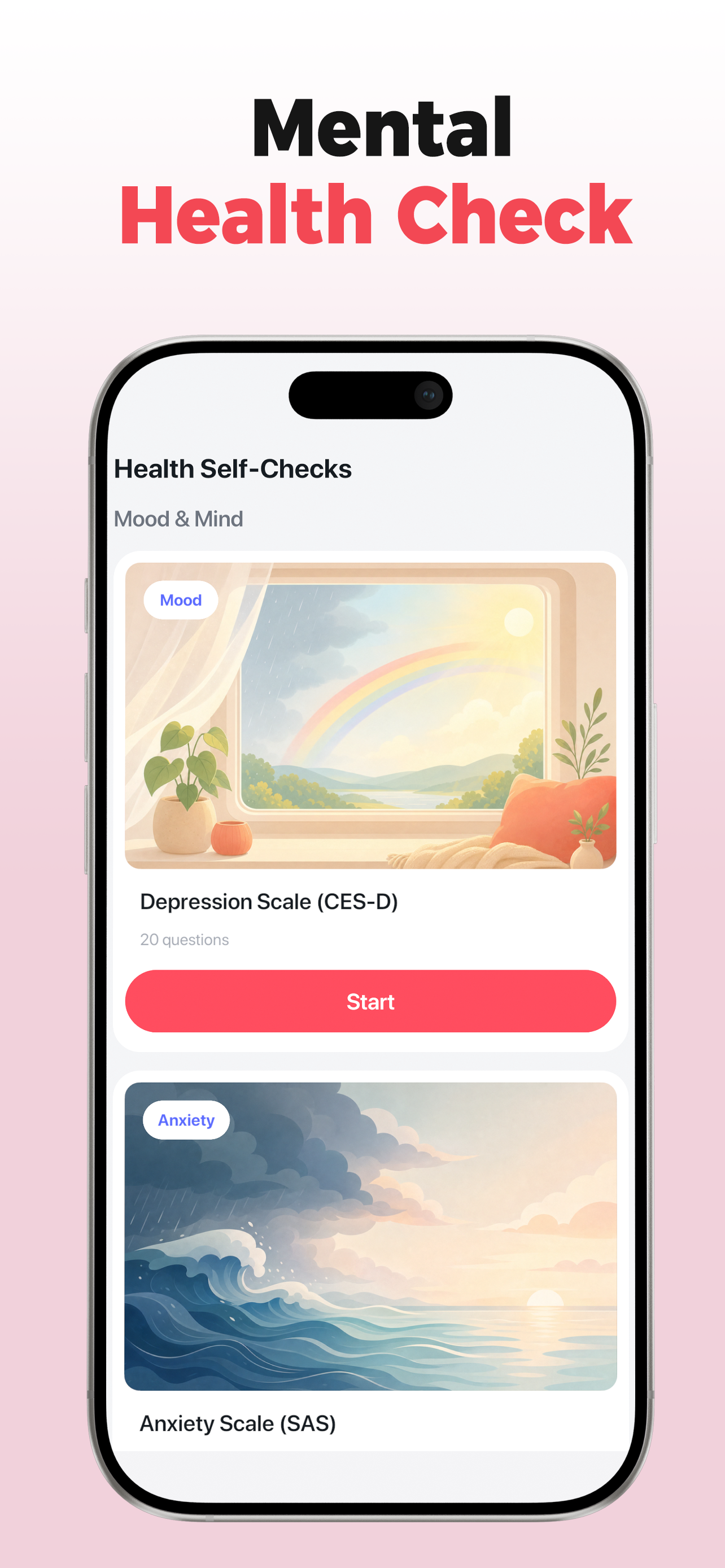
Use self-assessments covering mood, anxiety, sleep, stress and other general-wellness topics.
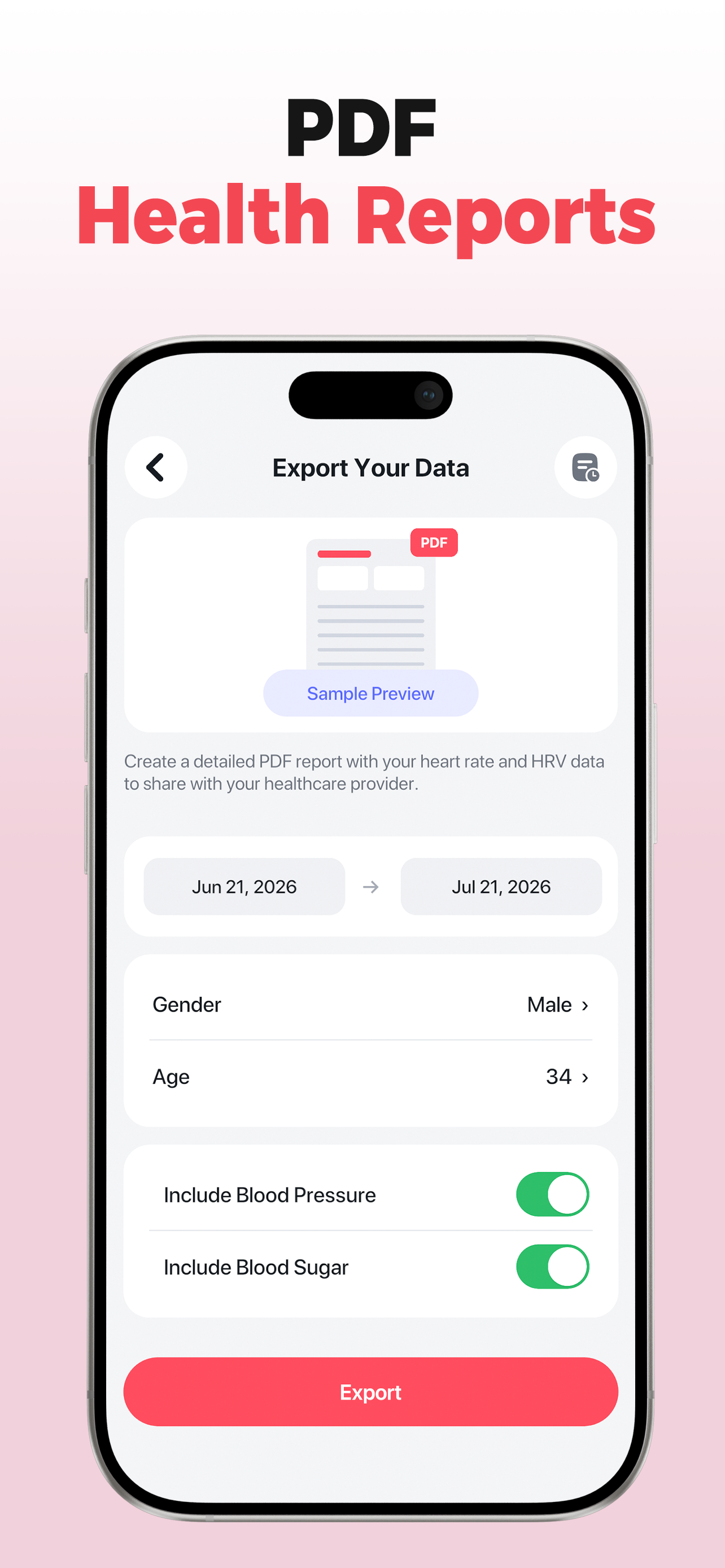
Choose dates and metrics, then create a clear PDF report locally on your device.
A few focused moments can make your wellness history easier to review.
Follow the live signal guide for a steady camera reading.
Save how you feel and manually log readings from your own health devices.
Use charts and reports to understand change over time.
Live waveform, beat-by-beat feedback and simple wellness insights.
Enter readings manually and review fasting and post-meal patterns.
Enter readings manually and compare trends with reference zones.
Explore Pulseora views for daily activity, wellness tests, insights and reports.
No account. Camera frames are processed live and discarded. Health records, reminder content and PDF reports are never sent to analytics or advertising partners.
Pulseora is designed for general wellness and fitness purposes only. It is not a medical device and does not provide medical advice, diagnosis or treatment. Blood pressure, blood sugar, blood oxygen and weight must be entered manually from external devices — Pulseora does not measure them. Camera-based heart rate, HRV, stress and energy readings are wellness estimates and can be affected by measurement conditions. Always consult a qualified healthcare professional about medical concerns.