01 / CONTROL
The buttons you reach for.
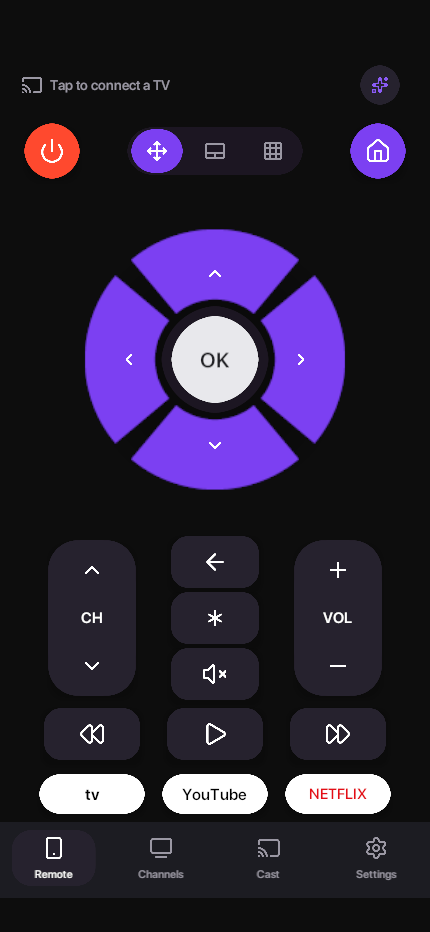
Adjust the volume, move through menus and use the number pad on supported devices.
Coming to iPhone
TV Remote Control: No Ads
Settle in, turn it up, find your next watch. Everyday TV control, without ads, subscriptions or button limits.
Free forever. Ad-free forever.
No account. No upgrade screen. Just control.
Interface preview. Controls vary by device.
MADE FOR THE SOFA
Turn your phone into a useful part of TV time. Choose the controls that feel right for the moment, in one familiar place.
Adjust the volume, move through menus and use the number pad on supported devices.
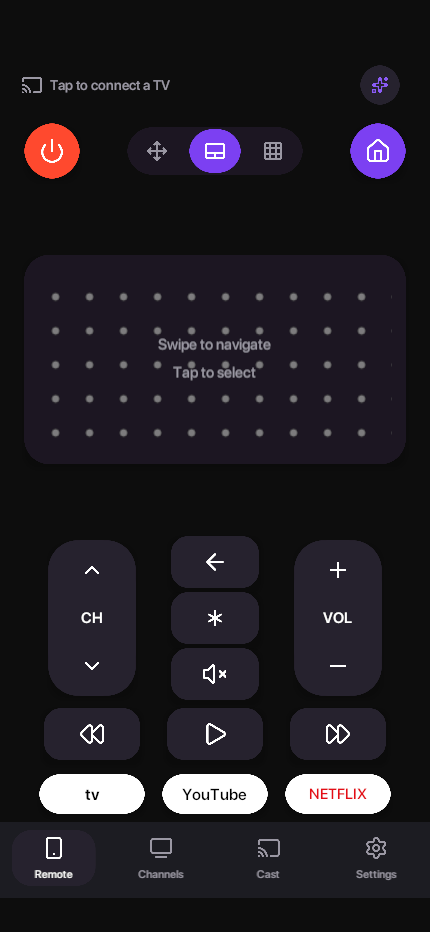
Switch to the touchpad for gesture navigation. Keep your attention on the big screen.
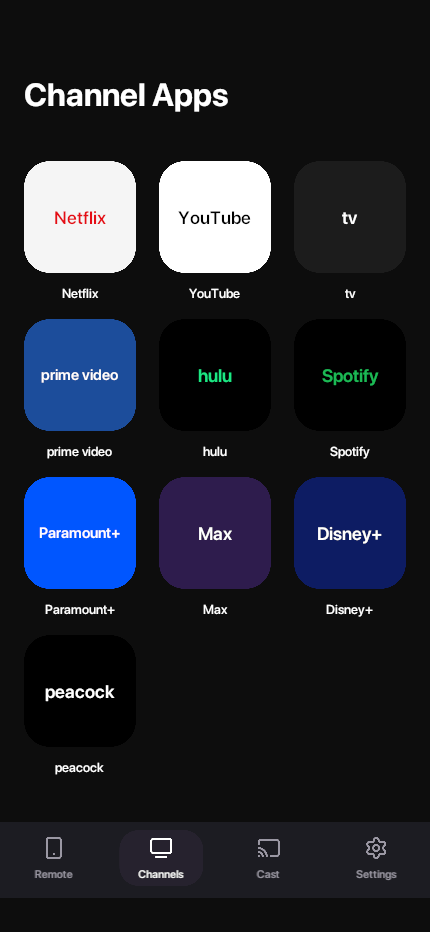
Open available TV apps from a dedicated screen. Shortcuts depend on your connected device.
Send supported photos and videos to a compatible receiver on your local network.
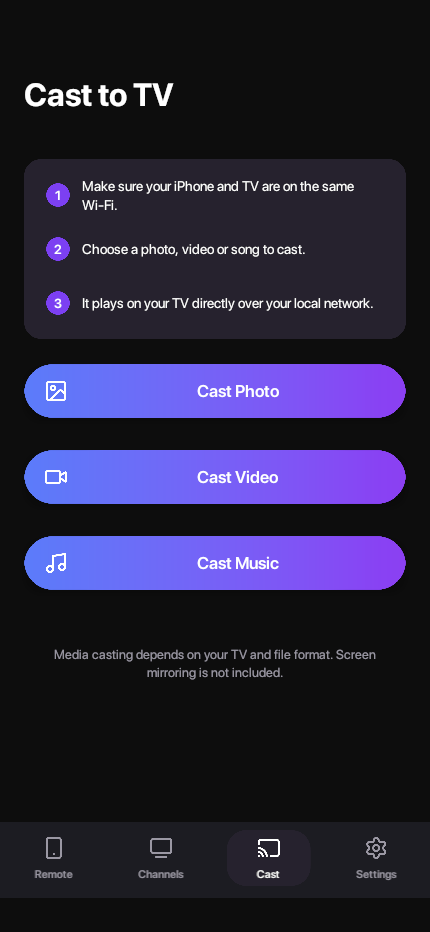
Screens show the app interface. Button support, app shortcuts and media formats vary by TV model, software and receiver. Media casting does not mirror your entire phone screen.
A FEW STEPS TO TV TIME
Your TV and phone meet on your local network. If your TV asks for permission or a code, the app guides you through pairing.
Connect your iPhone and TV to the same home Wi-Fi network. Start with the TV switched on.
Allow Local Network access, then select a compatible device. Follow any pairing prompt on the TV.
Use the available controls, switch to the touchpad or explore your TV’s app shortcuts.
LET’S FIND YOUR TV
Designed for compatible smart TVs and streaming devices that allow local network control. The options you see depend on what your device supports.
Need help with your model?Your phone and TV need to be on the same network. TV Remote is not an infrared remote or an away-from-home control service.
Some models require network control to be enabled. Certain buttons, power-on functions and casting features may not be available.
A TV may show a PIN or ask you to approve access. Keep the original remote nearby for initial setup when needed.
OUR PROMISE
No subscriptions. No premium tier. No countdown until your next button press. Every included feature is free, and it stays that way.
GOOD TO KNOW
Yes. TV Remote is permanently free and ad-free, with no subscriptions, paid tiers or daily button allowance. You do not need an app account. Services you open on your TV may have their own subscriptions or advertisements.
TV Remote is coming to the App Store for iPhone. It is not available to download yet. We will add the App Store link to this page when it launches.
Check that your TV is switched on and connected to the same local network as your phone. Allow Local Network access for TV Remote in Settings. Guest Wi-Fi, network isolation or a VPN can prevent discovery. Some TVs also require network control to be enabled.
If it still does not appear, send us the TV’s brand, model, software version and the step where you got stuck.
That depends on your TV and its standby settings. Some devices support waking over the network; others stop accepting network commands when switched off. Keep the original remote for cases where your TV cannot be reached over Wi-Fi.
No. The casting feature sends supported photos and videos to compatible receivers. It does not mirror the entire iPhone screen. Media support depends on the receiver and file format.
No. TVs and streaming devices expose different controls. Available buttons, app shortcuts and casting options depend on the model, software and pairing permissions. TV Remote is an independent app and is not endorsed by TV manufacturers.
WE’RE HERE TO HELP
Tell us your TV brand and model, iOS version, and what happened. Please leave out passwords, pairing codes and other private information.